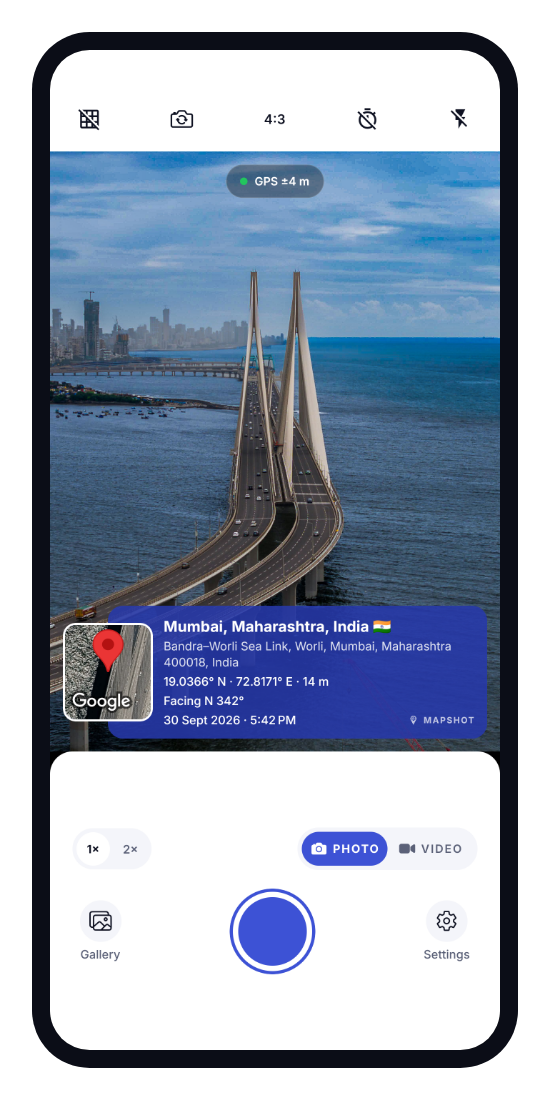
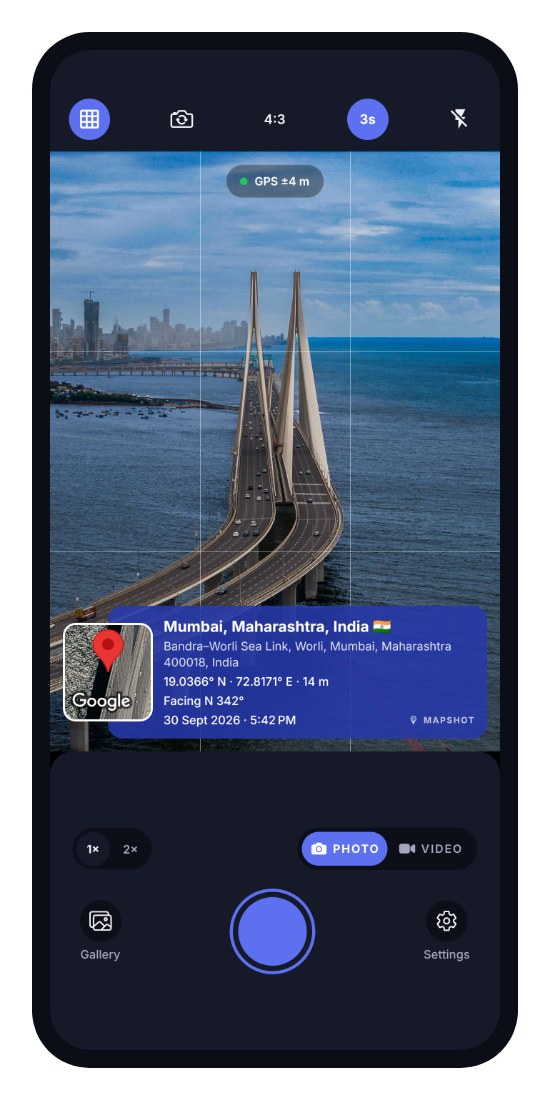
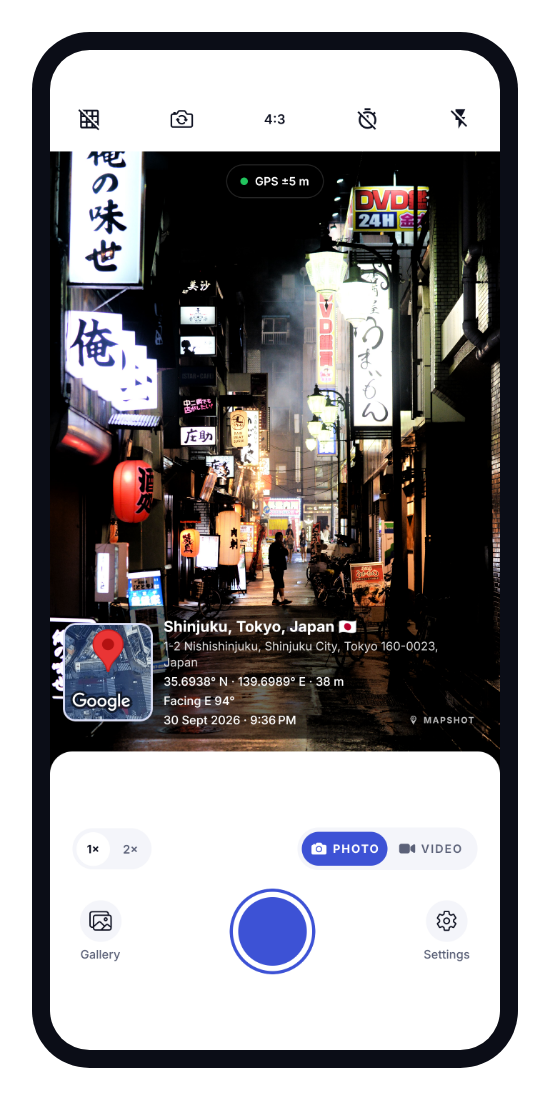
Everything on the stamp
- Place name and full street address
- Satellite map of the spot
- GPS coordinates and altitude
- Compass direction the camera faced
- Date and time in your time zone
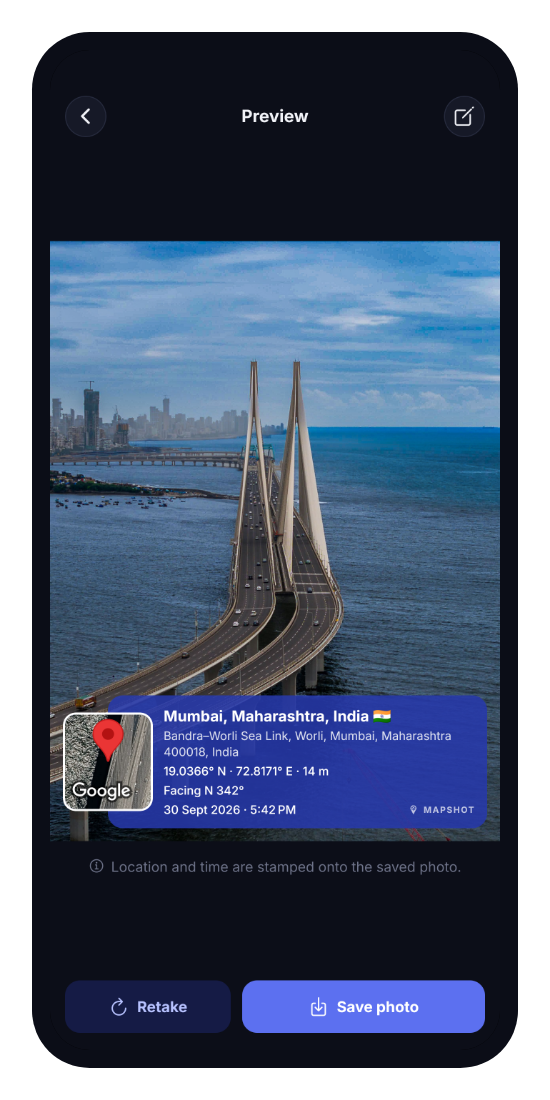
MapShot draws the place name, a map, GPS coordinates, compass direction, date and time right onto your full-resolution photos. A clear record of where every picture was taken.
Made for site inspections, construction progress, field work, deliveries, surveys and travel: anywhere you need proof of where and when.
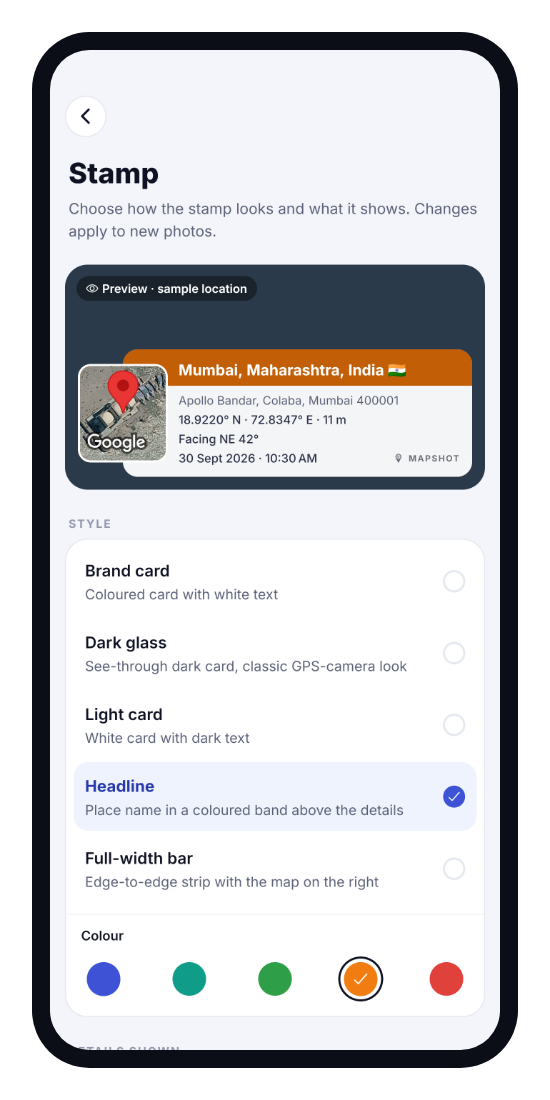
5 styles (Brand card, Dark glass, Light card, Headline, Full-width bar) in 5 accent colours. Choose exactly which details appear, or pick Classic, Minimal or Survey.
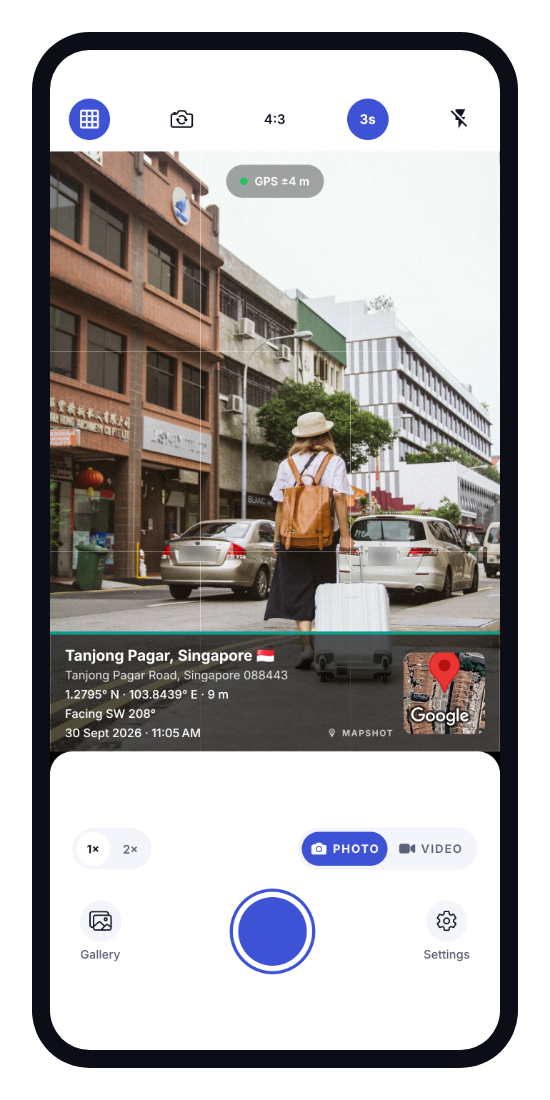
Grid, 3 or 10 second self-timer, 2× zoom on supported cameras, flash and screen flash, 4:3 and 16:9, front and rear cameras, and High, Medium or Low quality.
GPS coordinates, direction, date and time need no internet or signal. When you're online, MapShot also adds the address and the map.
Coordinates and time can't be edited. A corrected place name is marked "Place name edited", gallery photos are marked "From gallery", and fake GPS from mock-location apps is never stamped.
No account or sign-up. Photos are saved to your gallery and never uploaded by the app. Location is only used while the app is open.
Yes. The camera, GPS coordinates, direction, date and time, the stamp and saving all work offline. The place name and the map need a connection; offline photos show the coordinates instead.
No. Photos are created on your phone and saved to your phone's gallery. A photo only leaves your phone if you share it yourself.
No. There's no sign-up and no login. Open the app and start taking photos.
Yes. Pick a photo from your gallery and MapShot stamps it with the time and location saved in the photo itself. These photos are marked "From gallery" on the stamp.
Yes. Date, time, GPS coordinates, altitude, direction and address are also written into the photo's EXIF data, so gallery and map apps can read them.
MapShot is available for Android phones on Google Play.

Stamp your next photo with the place, map, coordinates, direction and time.
Get MapShot on Google Play