






Smart Delivery Date shows shoppers when their order will arrive, and lets them choose a delivery date at checkout that you can actually deliver on.
On the product page, in the cart and at checkout, shoppers see a promise such as “Order within 2h 15m and get it on Friday, October 23”, worked out from your processing days, your carrier’s delivery days, your same-day cut-off time and your days off, all in your store’s timezone.
What your customers see
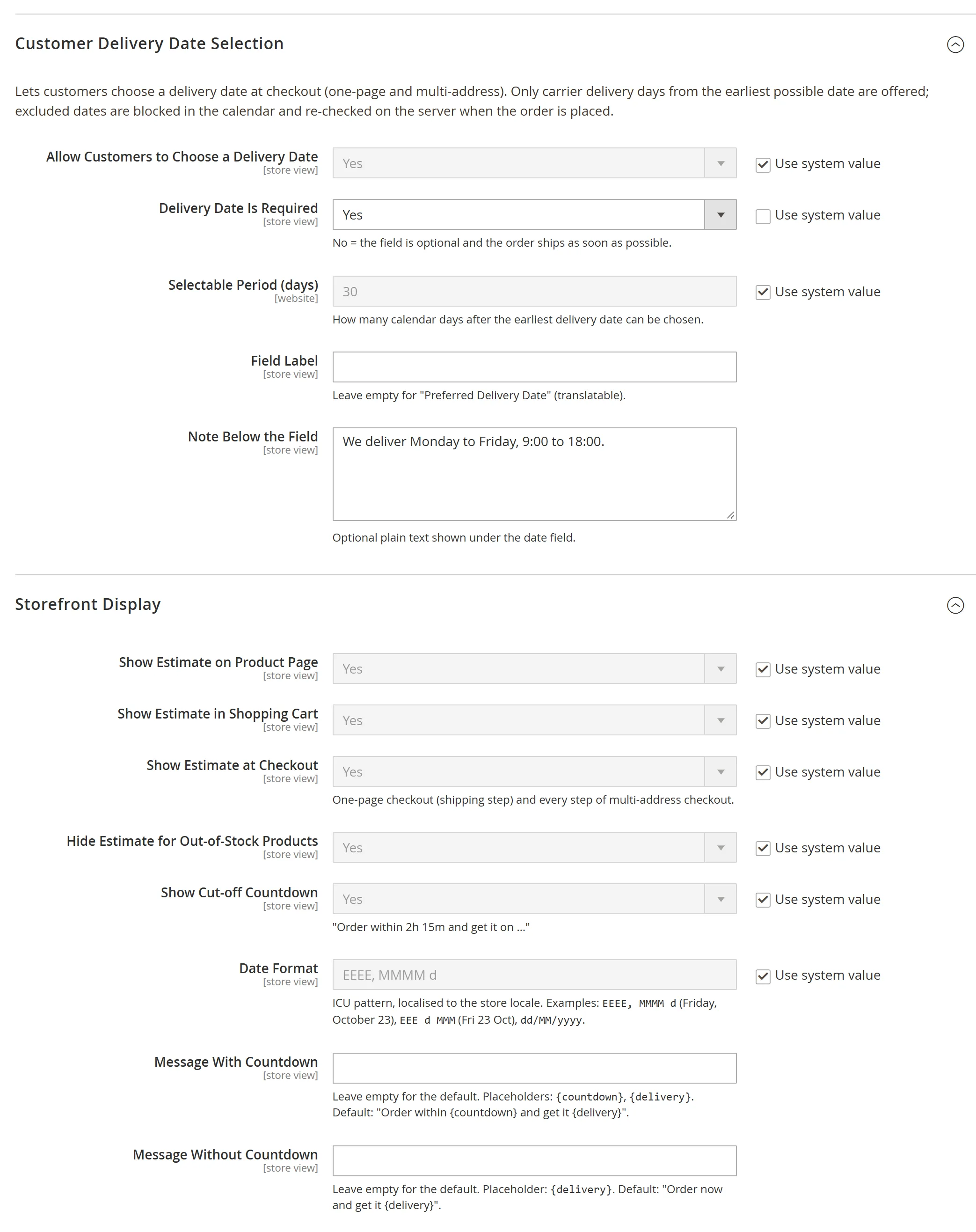
- An estimated delivery date on the product page, with a live countdown to your cut-off time.
- An estimate for the whole cart, where the slowest product decides.
- A delivery date picker at checkout where only deliverable days can be chosen. You decide whether choosing a date is required.
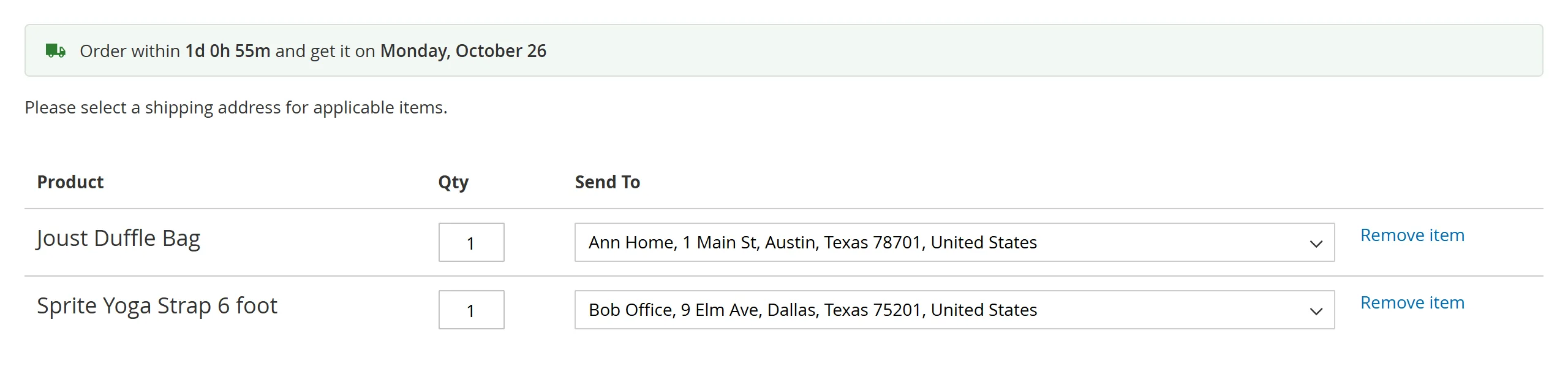
- Multi-address checkout: an estimate and a delivery date for each address.
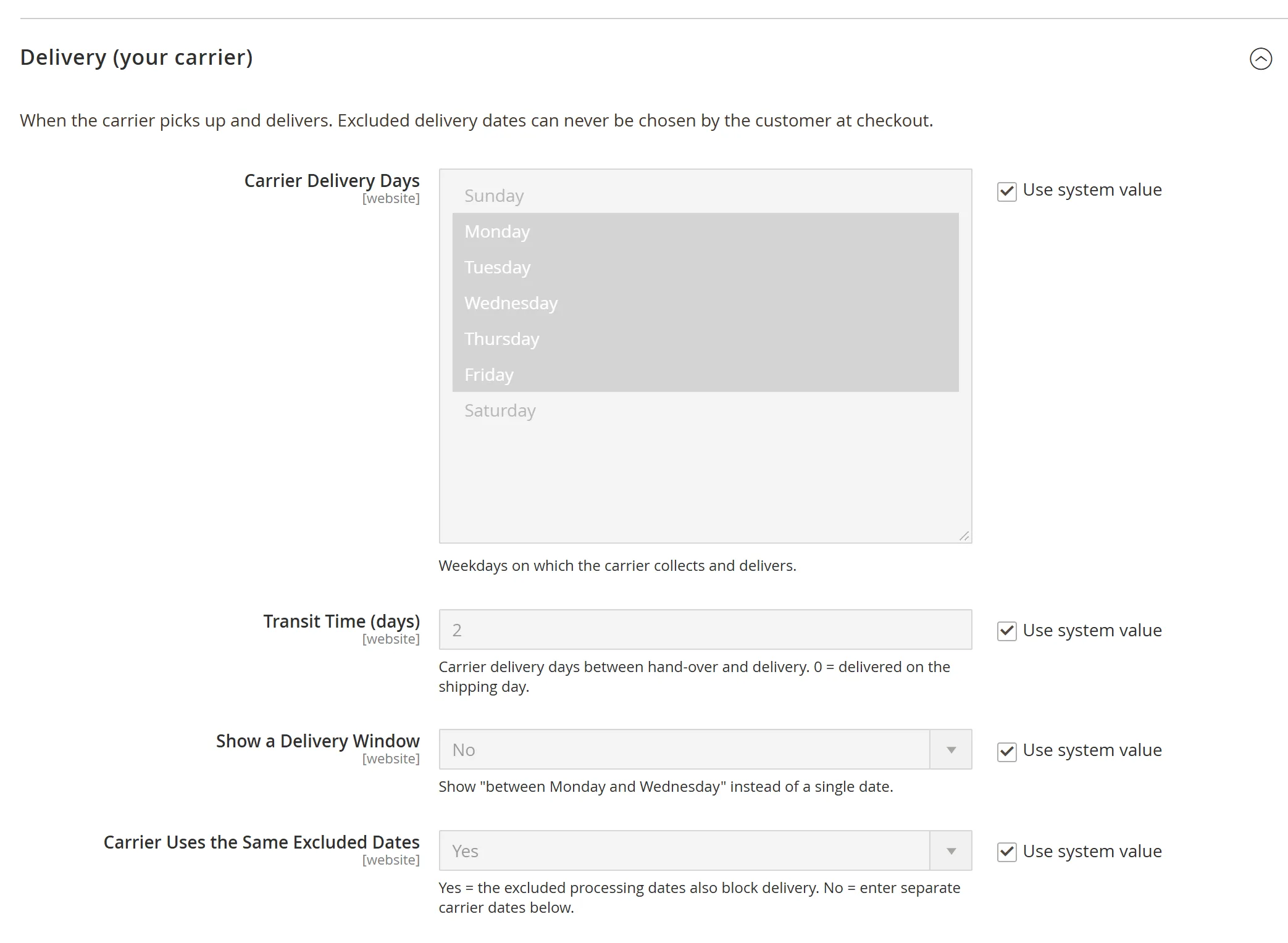
- An optional delivery window, such as “between Monday and Wednesday”.
Dates you can keep
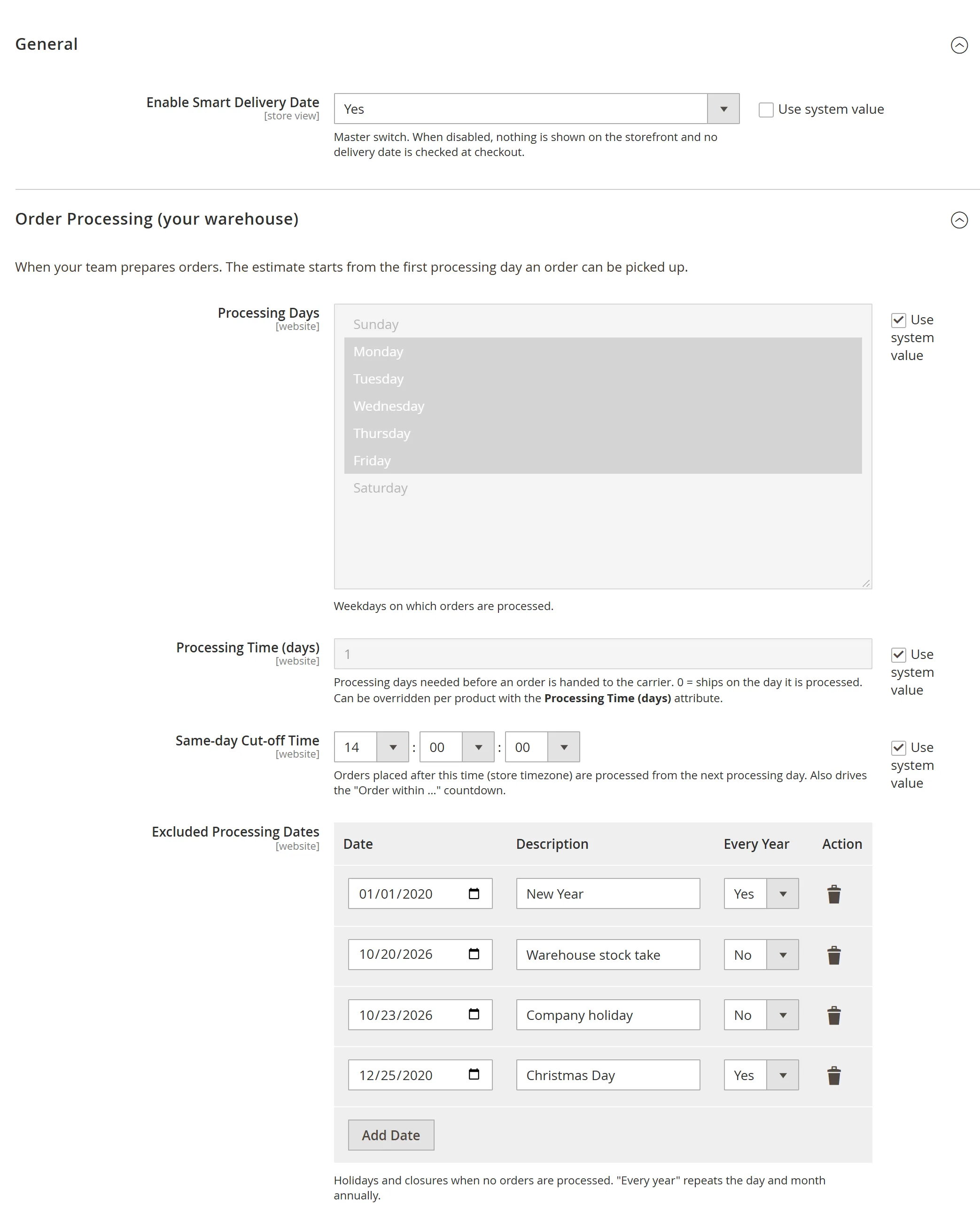
- Processing days (your warehouse) and carrier delivery days are set separately.
- Same-day cut-off time, so orders placed before it ship today.
- Excluded dates, one-off or every year, such as public holidays.
- Per-product processing time: a Processing Time (days) field on each product for items that take longer.
- Excluded dates, carrier days off and too-early dates are blocked in the calendar and checked again on the server when the order is placed.
Where the chosen date appears
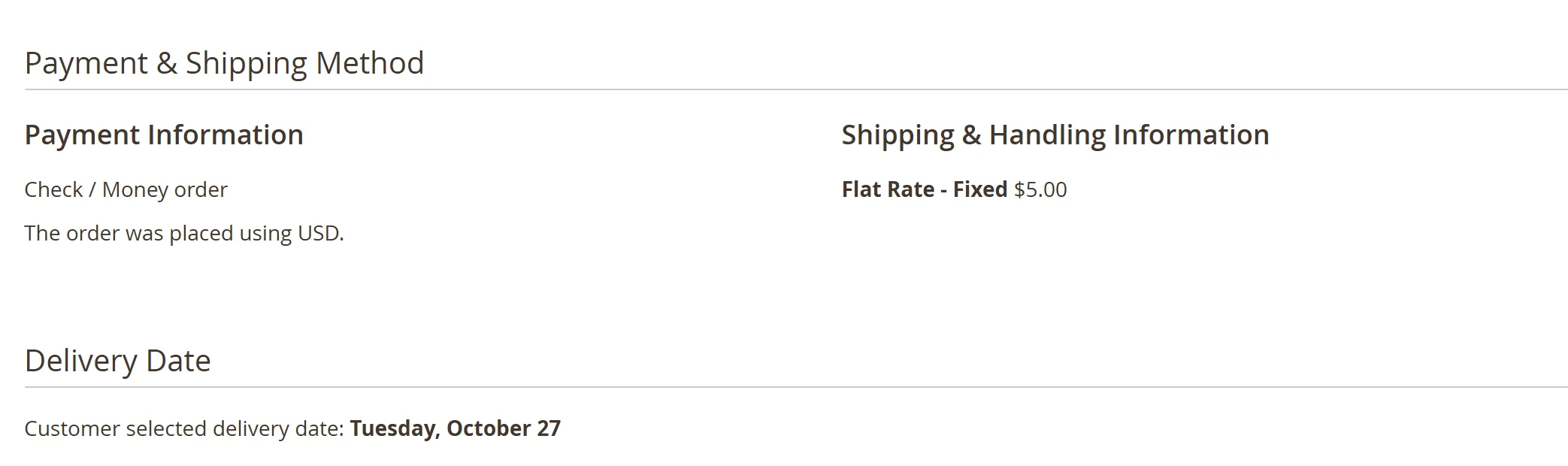
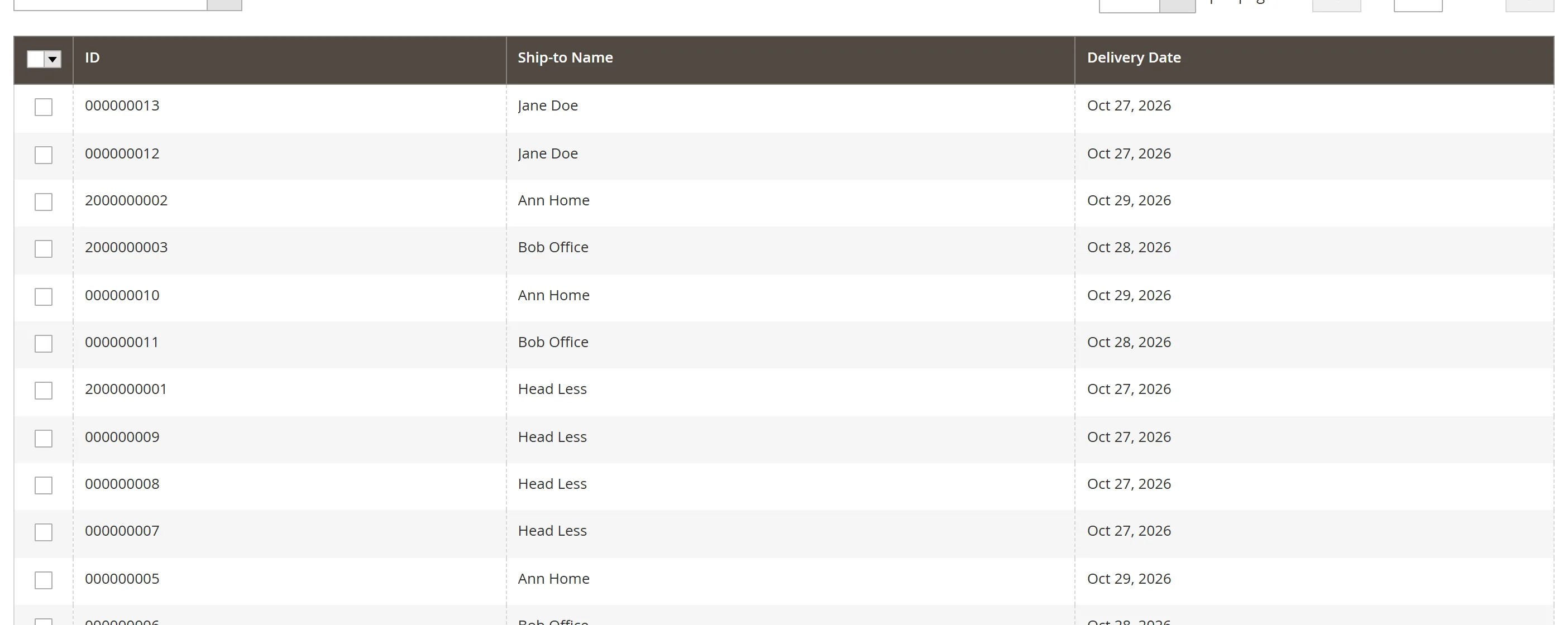
- The admin order view, and a filterable Delivery Date column in the order grid.
- The customer account.
- Order emails, with the
{{var ecommet_delivery_date}}variable. - The REST API.
Themes and languages
Luma and Hyvä (Alpine.js) templates come in one module. Every message can be translated, and the messages and date format can be changed per store view.
Frequently asked questions
How is the delivery date worked out?
From your processing days, the carrier’s delivery days, the same-day cut-off time and your excluded dates, in the store’s timezone. In the cart, the product with the longest processing time decides.
Can a customer pick a date I cannot deliver on?
No. Those days are blocked in the calendar, and the chosen date is checked again on the server when the order is placed.
Does it work with multi-address checkout?
Yes. Each address gets its own estimate and delivery date.
Can I put the date in the order confirmation email?
Yes. Add {{var ecommet_delivery_date}} to your order email template.
Does it work with Hyvä?
Yes. Hyvä templates are included, with the Luma checkout fallback for checkout.